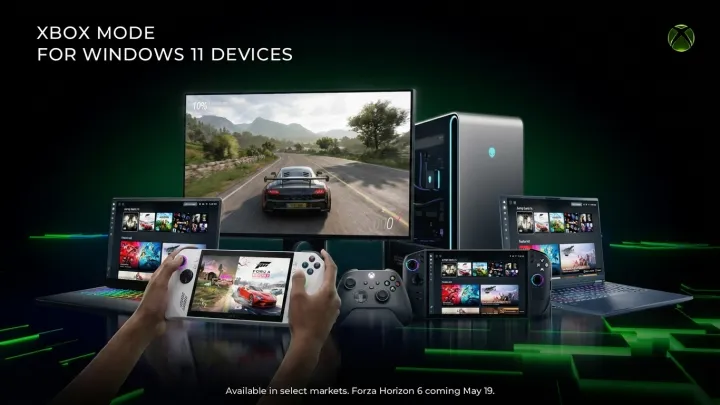
Xbox mode arrives quietly, but it changes the center of gravity for PC gaming on Windows 11. Launched to players as a rolling update, the new experience turns the operating system into a console style hub the moment a gamepad wakes the machine, shifting focus from desktop multitasking toward instant game access and clear, full screen navigation.
What matters here is intent. Xbox mode gives Windows 11 a dedicated shell for games, with a home screen that surfaces recent titles, installed libraries, and Game Pass catalog entries in a single controller friendly grid, while background services such as Xbox Game Bar and Xbox app sign in handle social presence, captures, and cross device progress without forcing players back to the classic desktop. Short menus. Fast hops.
The stronger play, though, is ecosystem lock in. By aligning PC behavior with Xbox consoles, Microsoft reduces friction around Game Pass Ultimate, cross save, and cross buy, encouraging players who split time between living room and desk to stay within one account stack and one storefront, as matchmaking, cloud saves, and subscription perks follow them across devices with almost no additional setup.
For long time PC users, this is not a replacement, it is a fork. The traditional Windows interface, with its taskbar, window manager, and file explorer, remains available for work or mod heavy setups, while Xbox mode offers a leaner, controller first path that favors quick sessions, couch play, and plug in ready laptops that behave more like portable consoles than general purpose machines.